 SnapToCal
Stop copying your school schedule into Google Calendar by hand.
Upload a screenshot of your timetable, see the events SnapToCal finds — no account needed — then log in to export them to your calendar in one click.
You review every event before export. Google Calendar access is only requested when you choose to add events.
Real school schedules.
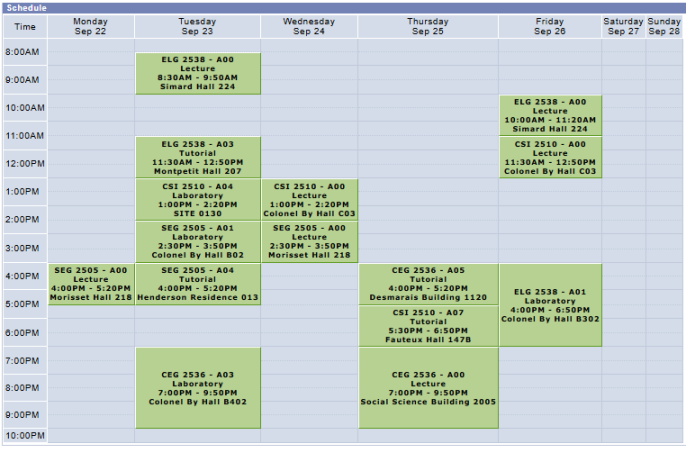
uOttawa portal, Omnivox, CÉGEP timetables — if you can screenshot it, SnapToCal can turn it into events. Upload yours above to see what it finds.
Four steps. Under a minute.
A screenshot, photo, poster, flyer, or class schedule — any image works.
Dates, times, course titles, and room locations are picked out automatically.
Check every event before it goes anywhere. Fix a room, rename a course, drop what you don't need.
Send events straight to Google Calendar, or download a .ics file for Apple and Outlook.
Your semester, in your calendar in minutes.
Your first 5 conversions are free. No credit card required.